The StandBy Blog
Get the most out of your Android display — step-by-step guides, quick tips, and what's new in the app.
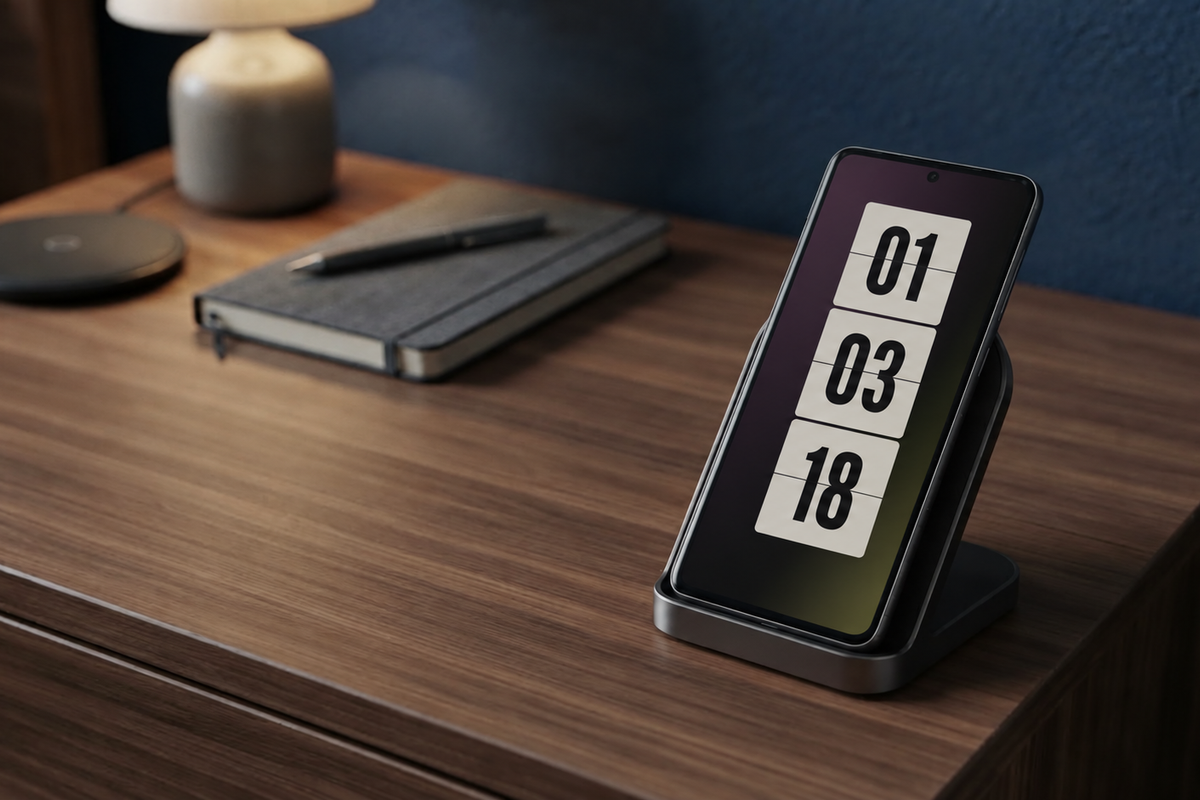
Discover 5 Always-On Display settings to improve privacy, save battery, adjust brightness, control media, and make your Android easier to use.
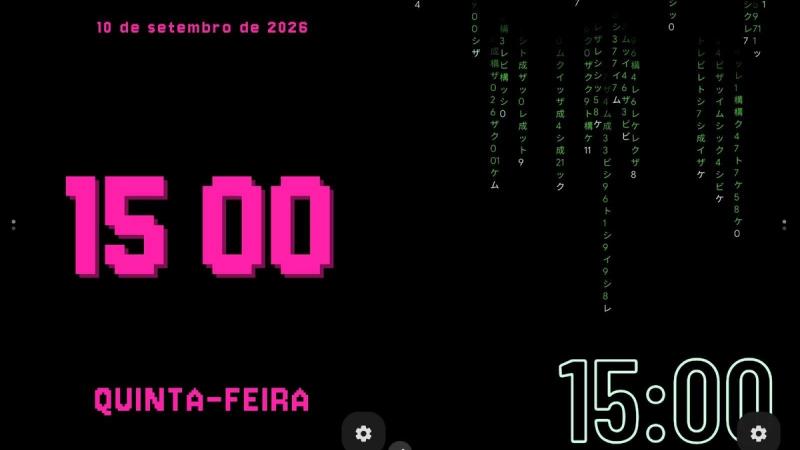
We picked 7 favorite Android animations and widgets, from clocks and music to photos, battery stats, and a couple almost nobody finds.
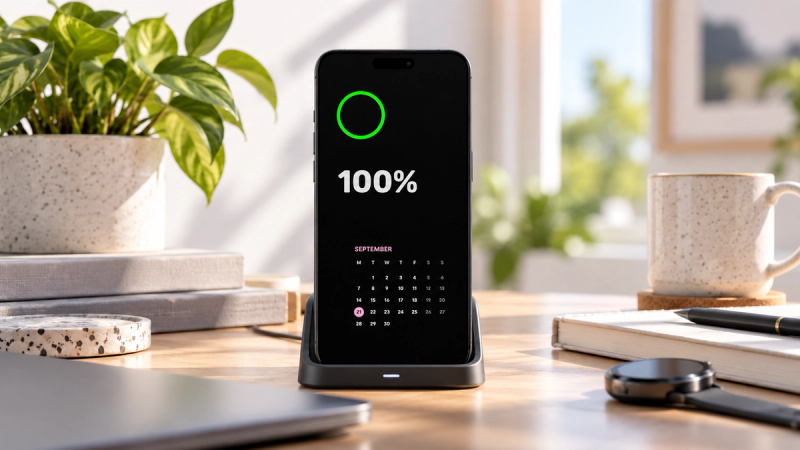
Always-On Display FAQ covering battery drain, privacy risks, Android compatibility, AMOLED support, and customization options.
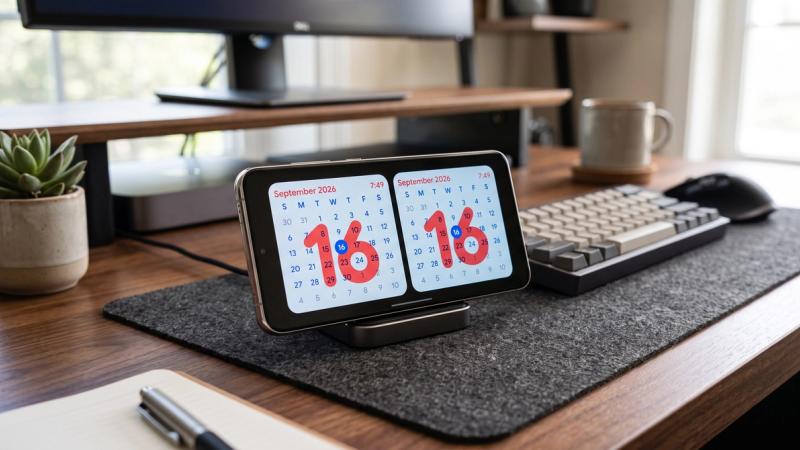
Striking Calendar is StandBy Mode's new premium Duo widget. Today's date sits large behind the month grid, in four styles, with no calendar access. Add it now.
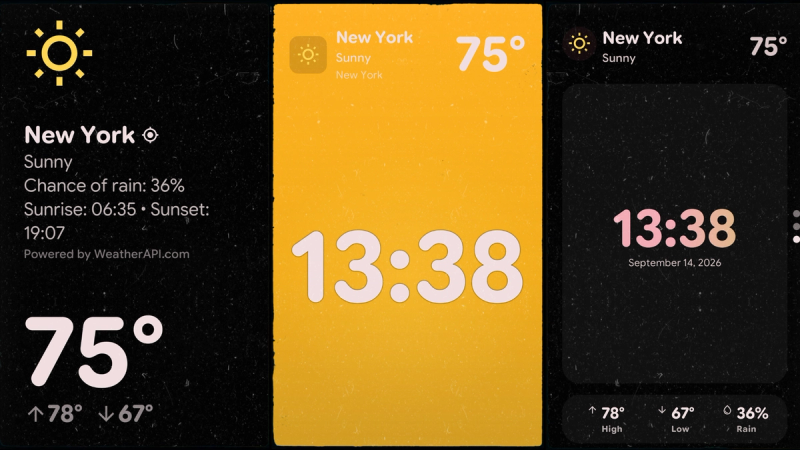
See how StandBy Mode shows live weather on your Android charging screen with customizable layouts and location settings.
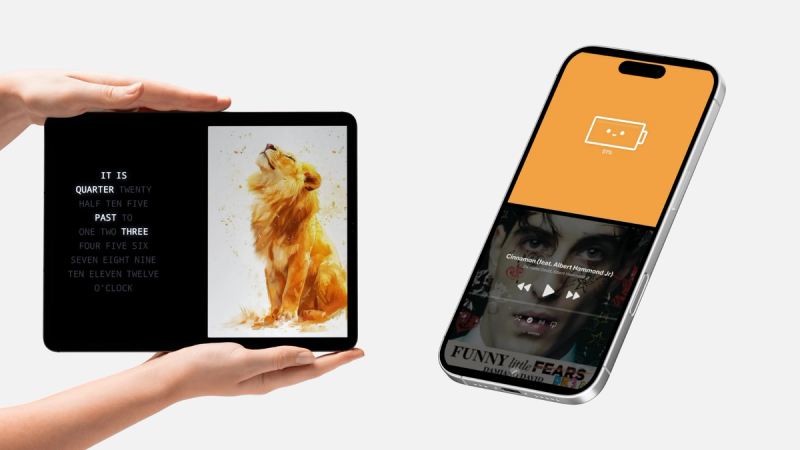
Learn how StandBy Mode's Widget Rotator automatically switches Duo widgets, with custom intervals and manual control.
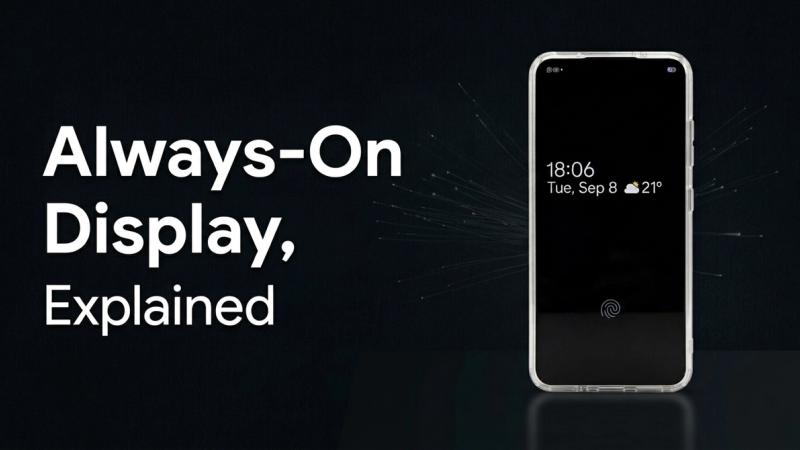
Always on display shows the time and notifications without unlocking your phone. See how it works, how Samsung's version differs, and when an app helps.
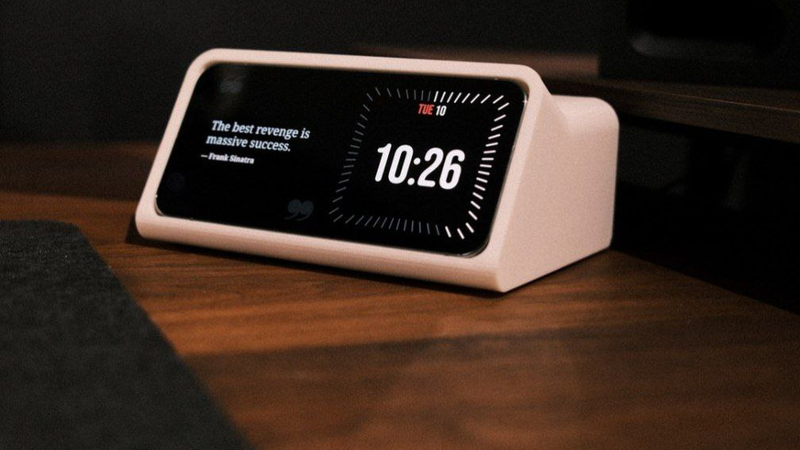
That old Android phone in your drawer can be a smart display. Here is how to make it wake up on its own when charging, and keep the screen safe. Set it up now.
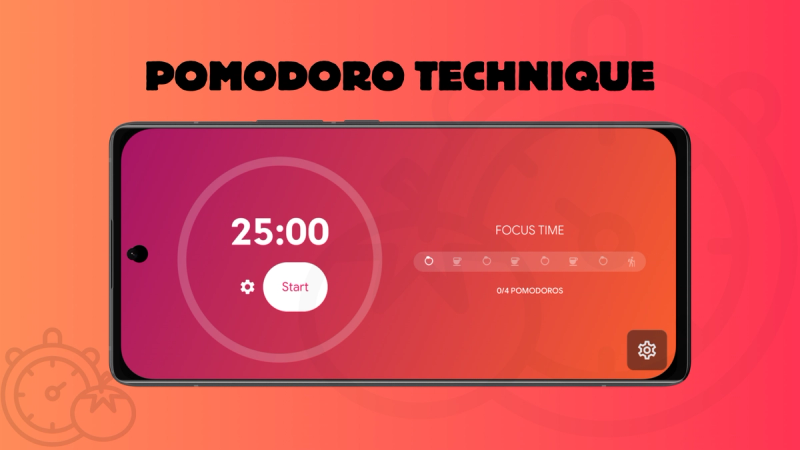
Turn a charging Android phone into a pomodoro app. StandBy Mode's Pomodoro screen runs 25-minute work blocks right on your lock screen. Set it up now.
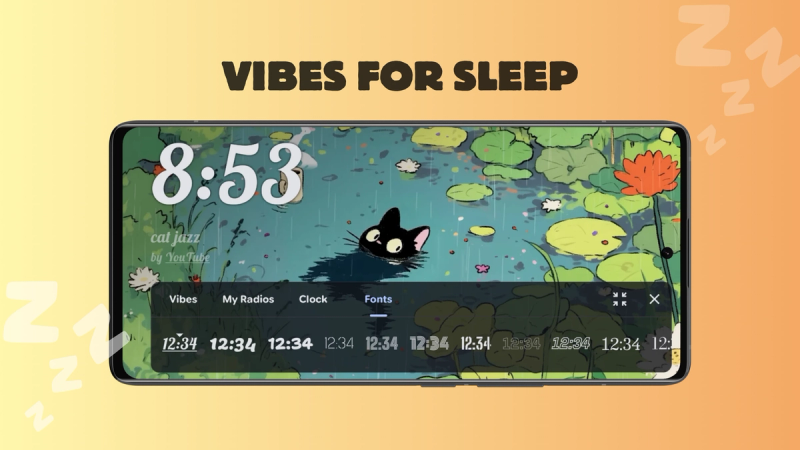
Rain, white noise, lofi streams and calm video scenes for your nightstand. See how Vibes turns a charging Android phone into an ambient display. Try it tonight.
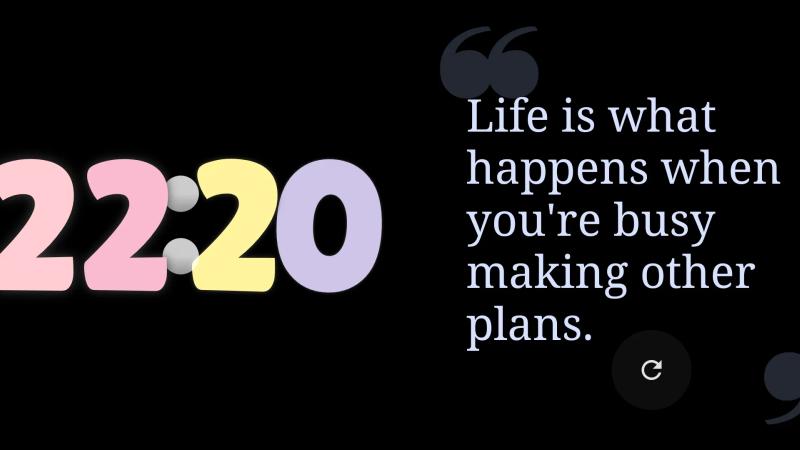
Split your charging Android screen into up to 4 panels with Duo mode in StandBy Mode. Widget Rotator, third-party widgets, and full customization.
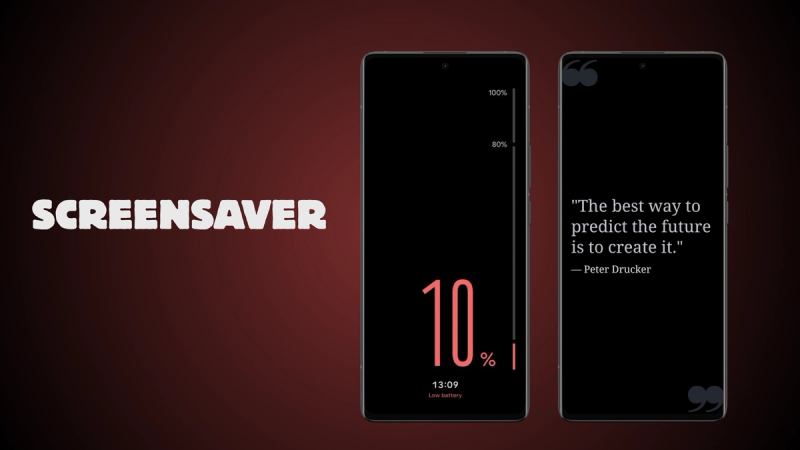
Android’s native screensaver (Dream/Daydream) with StandBy Mode: how to turn it on, what it shows, how it differs from Always On Display, and Screensaver vs. Quick Launch.
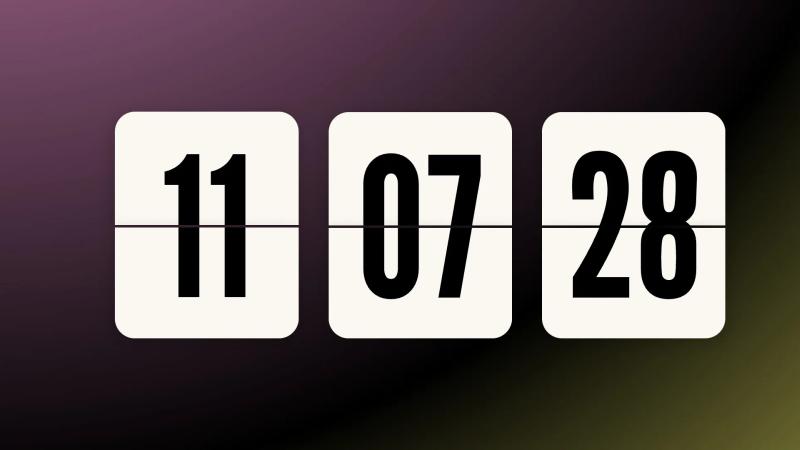
Flip clock app for Android with retro-style flipping-digit animation. Works in Fullscreen or Duo mode. Try it free in StandBy Mode.
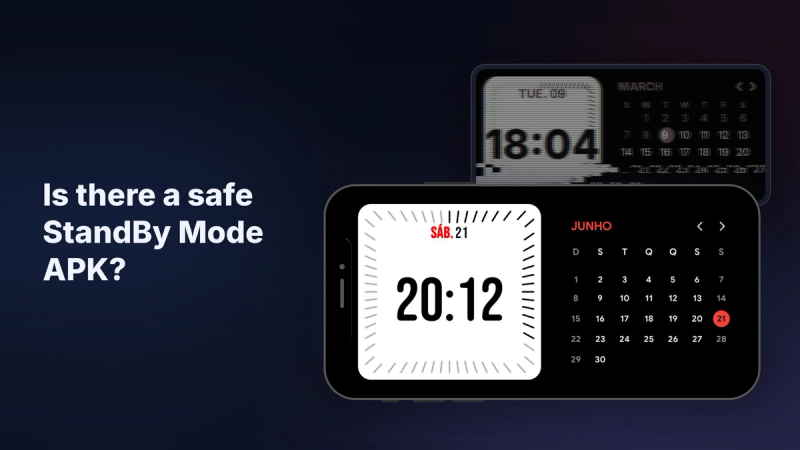
Looking for a StandBy Mode Pro APK or premium unlocked mod? There's no official APK, and the real app is free on Google Play. See what mods cost you.
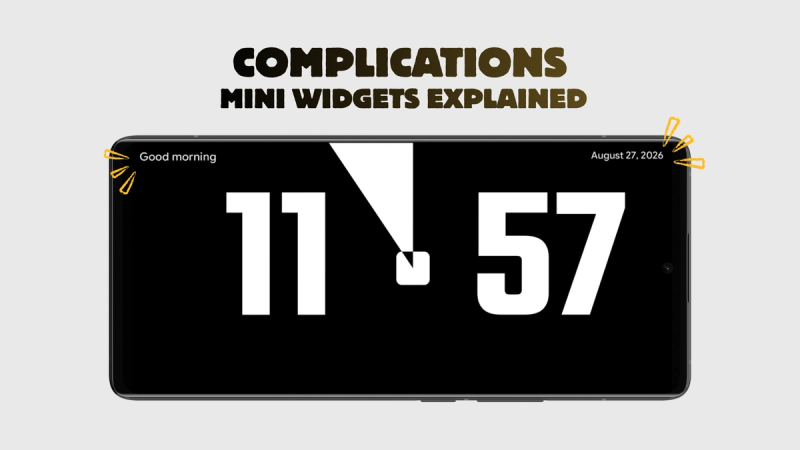
Battery, next alarm, week progress: StandBy Mode complications put one extra fact in each top corner of your clock face, with no clutter. Add yours in seconds.
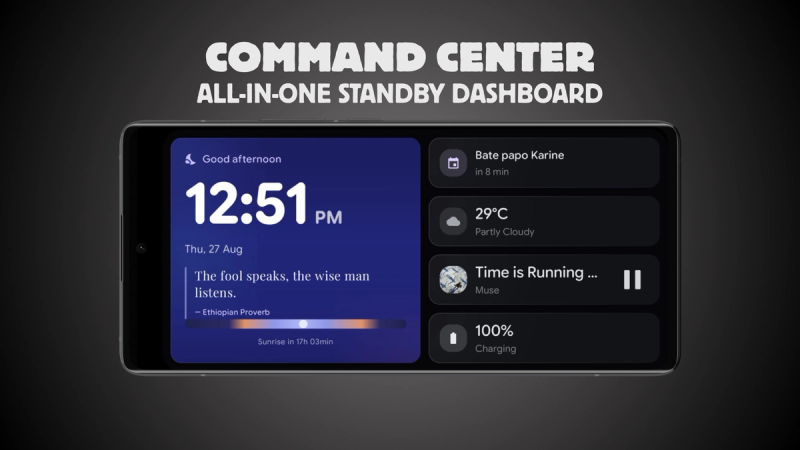
Clock, weather, agenda, audio and battery in one StandBy Mode dashboard. Promote any tile to hero size and keep the rest a glance away. Check out the Command Center.
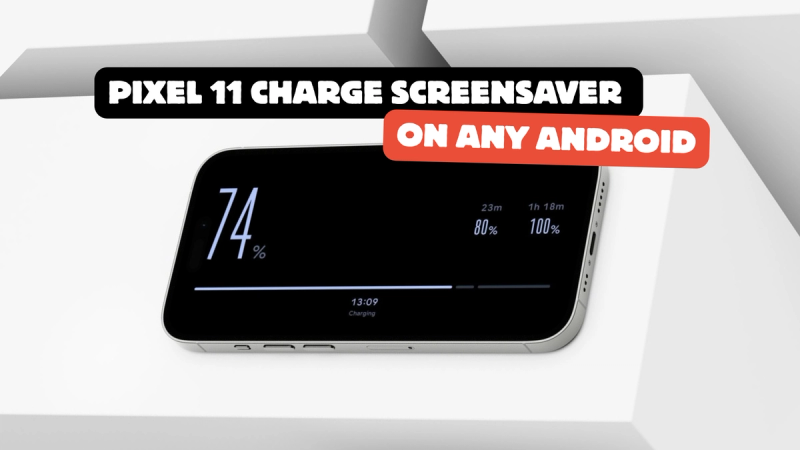
Google's new Pixel 11 screensaver, Charge, turns your battery into the whole screen. Here is how to get the same thing on any Android, free. Set it up now.
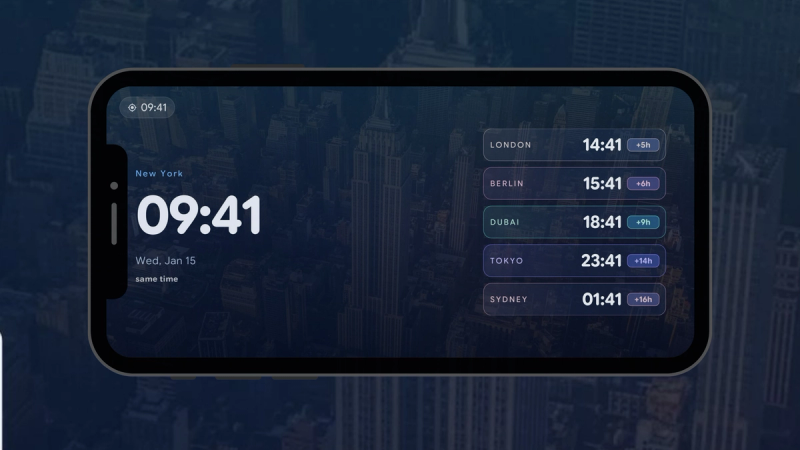
Stop doing time-zone math before every call. StandBy Mode's World Clock widget keeps five cities on your phone, each labeled with the time gap.
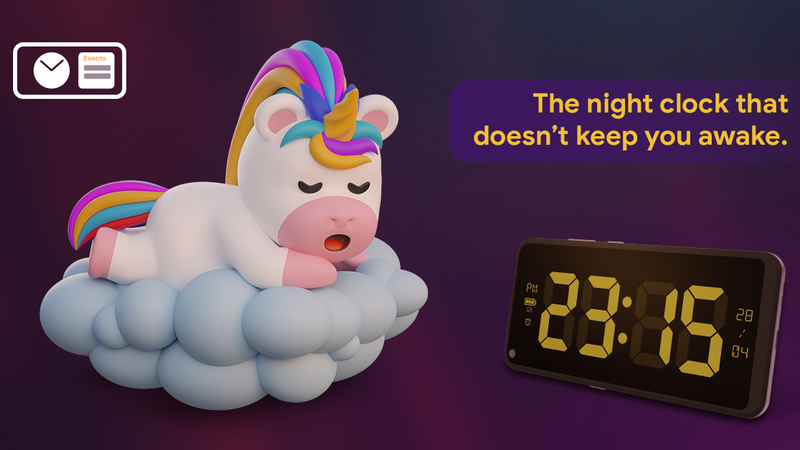
Turn a charging phone into a dim, nightstand clock. Set up Night Mode manually, automatically, or on a schedule. Try it now.
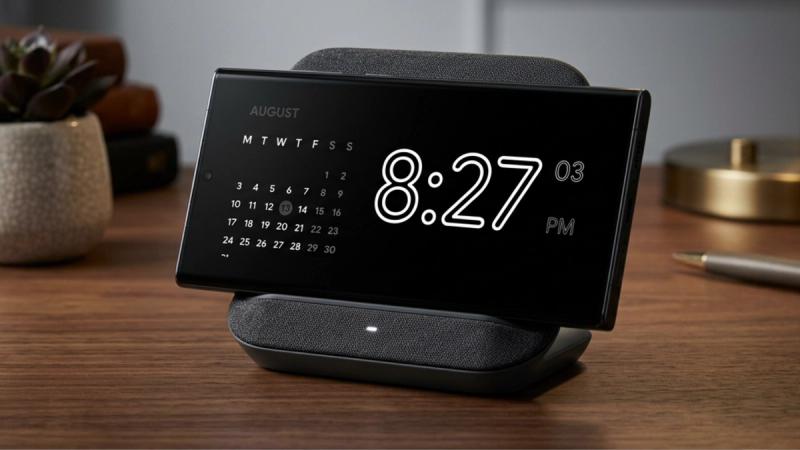
An AMOLED clock keeps your screen pure black, so it draws less power and less light at night. Meet the new one in StandBy Mode. Free.

Worried about leaving a clock on your OLED all night? See how Advanced Burn-in Protection mode keeps your screen safe. Set them up now.
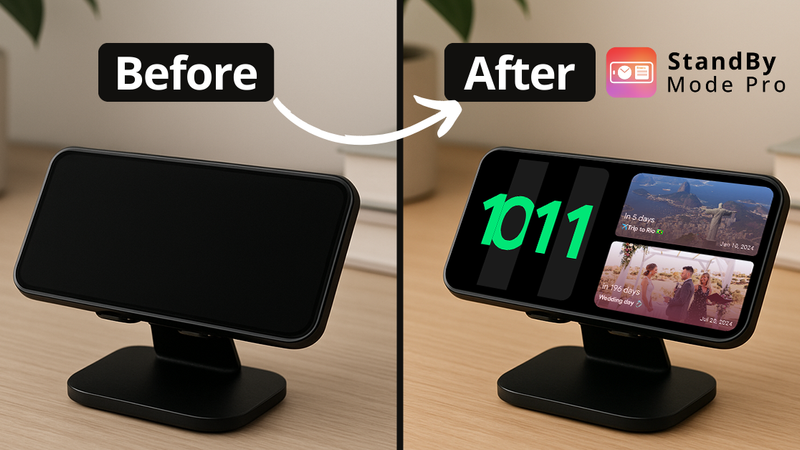
Apple keeps StandBy for iOS. Android doesn't have to miss out. Here's how to get the charging-clock display, with many more clock faces and widgets than Apple offers.
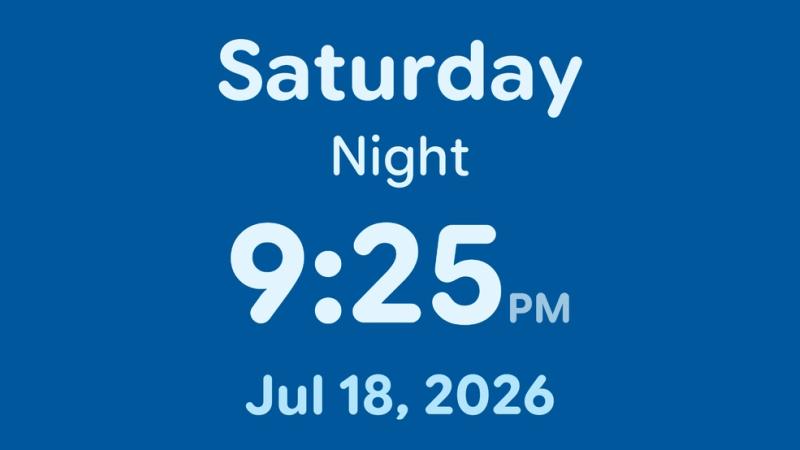
A practical guide to setting up StandBy Mode Pro as a calm, readable orientation clock for someone living with dementia or low vision.
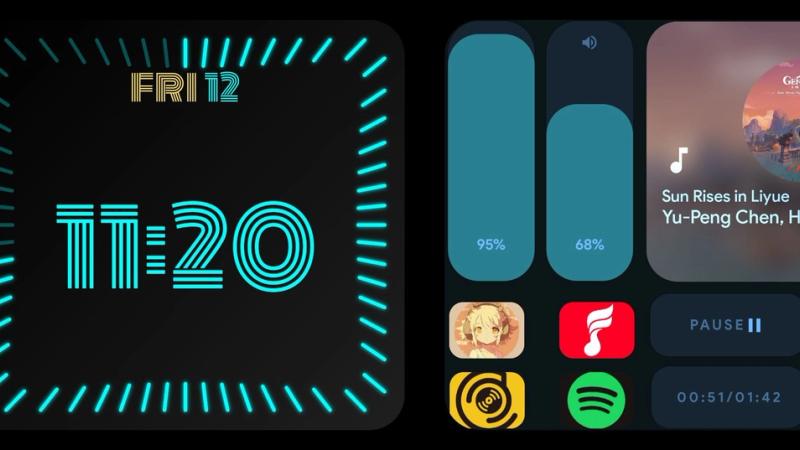
A quick guide to adding third-party widgets to Standby Mode Duo. Choose, change, resize, and pick from your best widgets.