Turn your Android intoa smart clock display
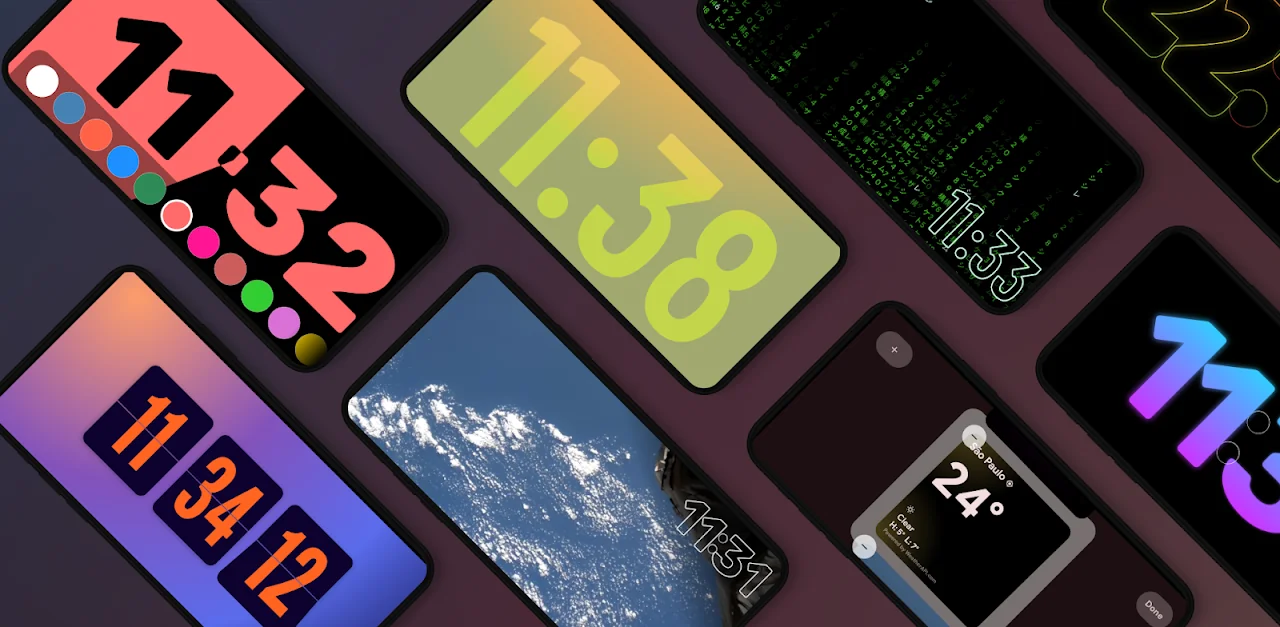
Put your phone on the charger sideways and it becomes a bedside display, like iPhone StandBy: 100+ clock faces, widgets from any app, your photos and a screensaver.
Free to download. Pay once for Premium.
Everything your nightstand clock can do
100+ clock faces, widgets from any app, and the small stuff that makes a great desk or bedside clock.
Any-app widgets
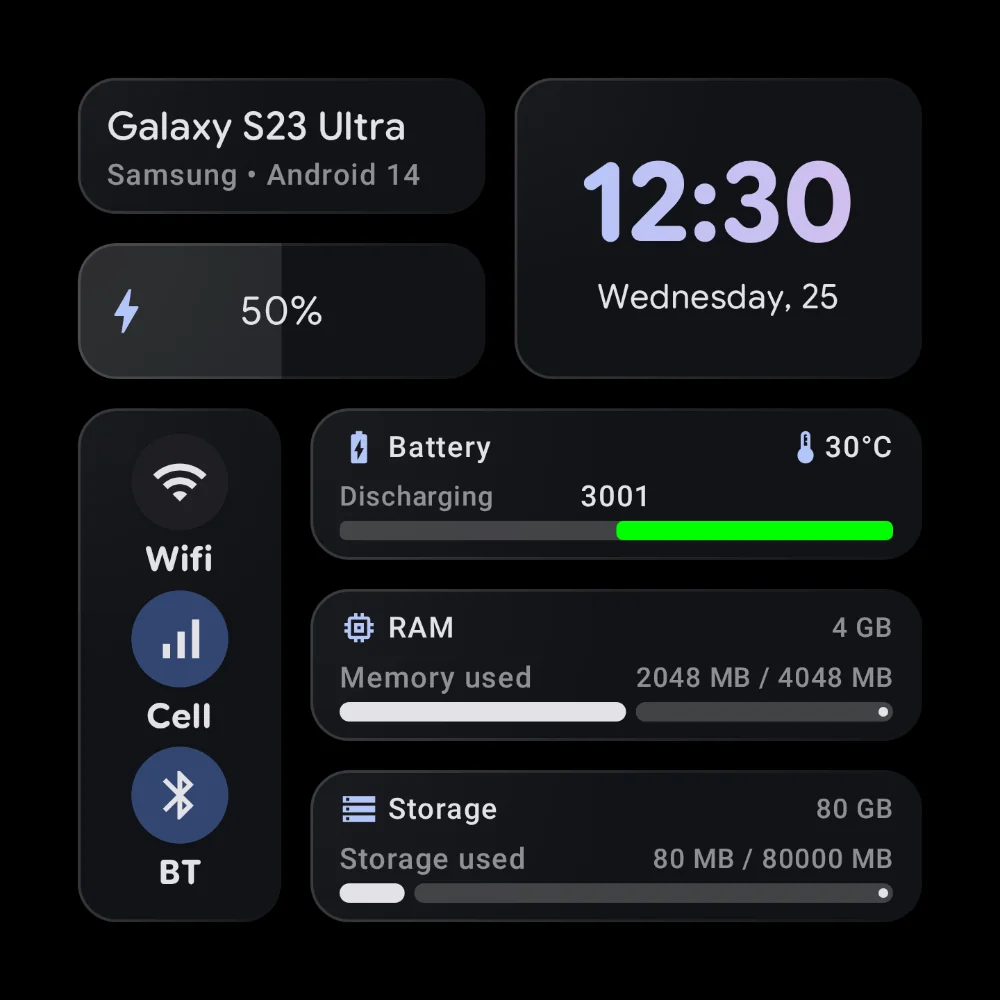
Two or four widgets at once, including one from any app on your phone, like Spotify, your calendar or smart home controls.
100+ clock faces
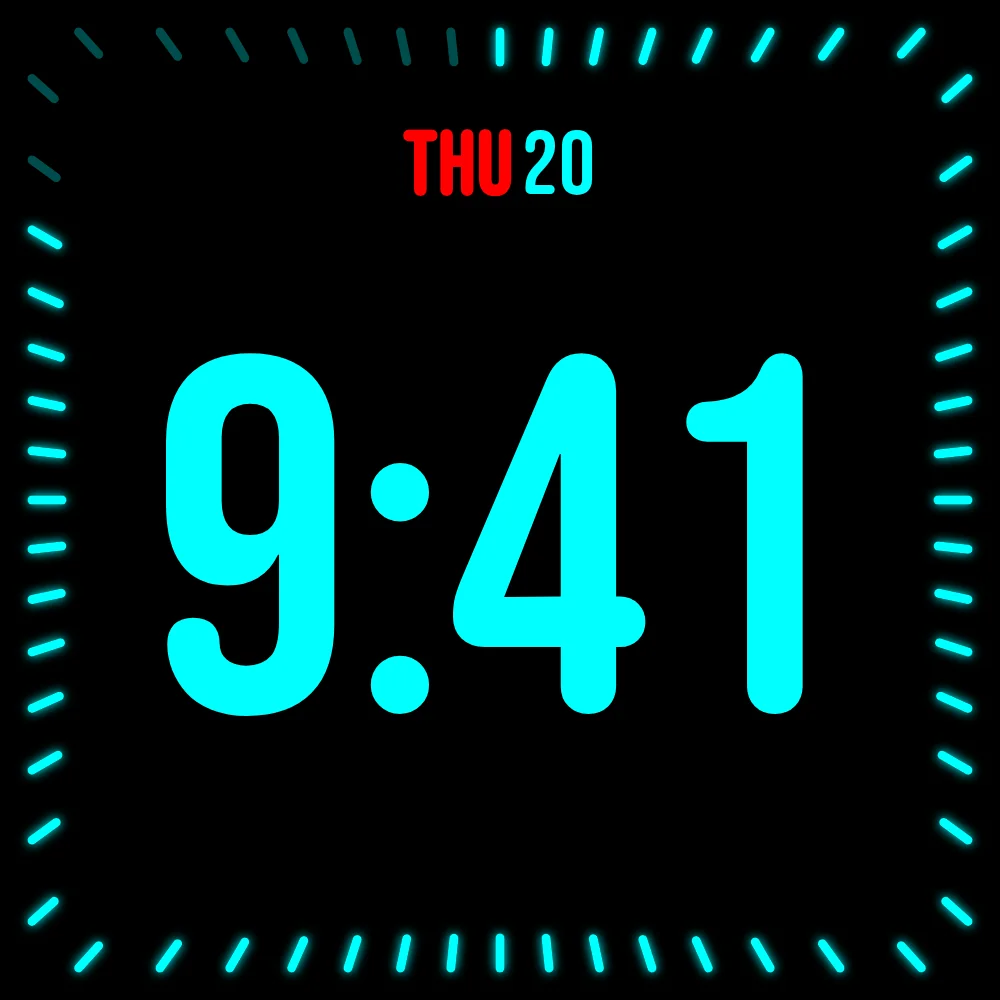
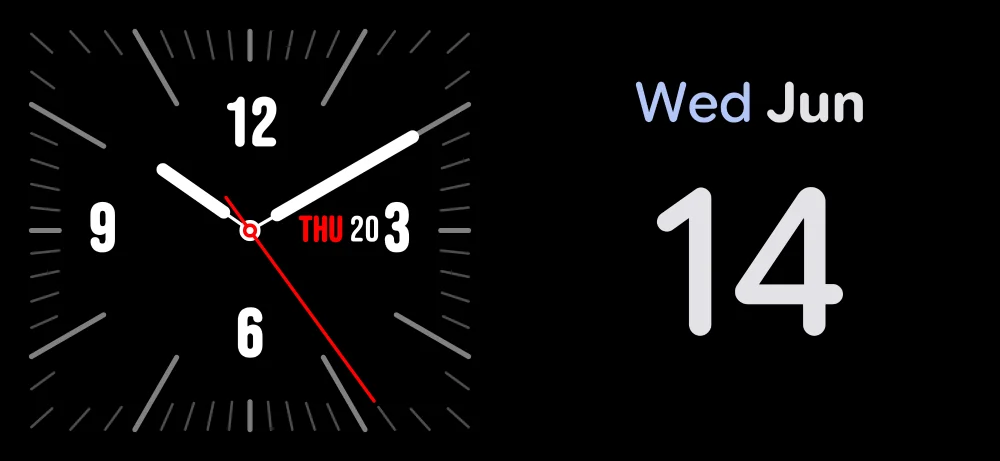
Flip, neon, matrix, pixel, analog and more. Tweak the colors, fonts and animation until it looks like yours.
Night mode
A dim red tint after dark. Check the time at 3am without a screen full of light in your eyes.
Photo frame mode
Show your photos between the clocks. It pulls from your gallery or Google Photos and never crops a face out.
Media controls
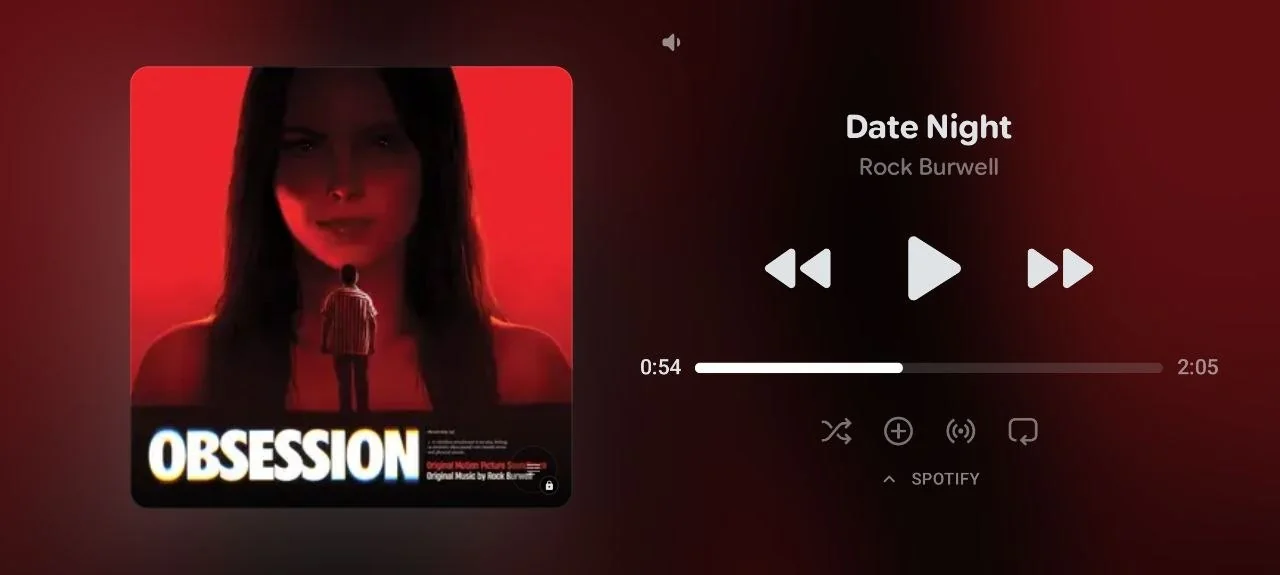
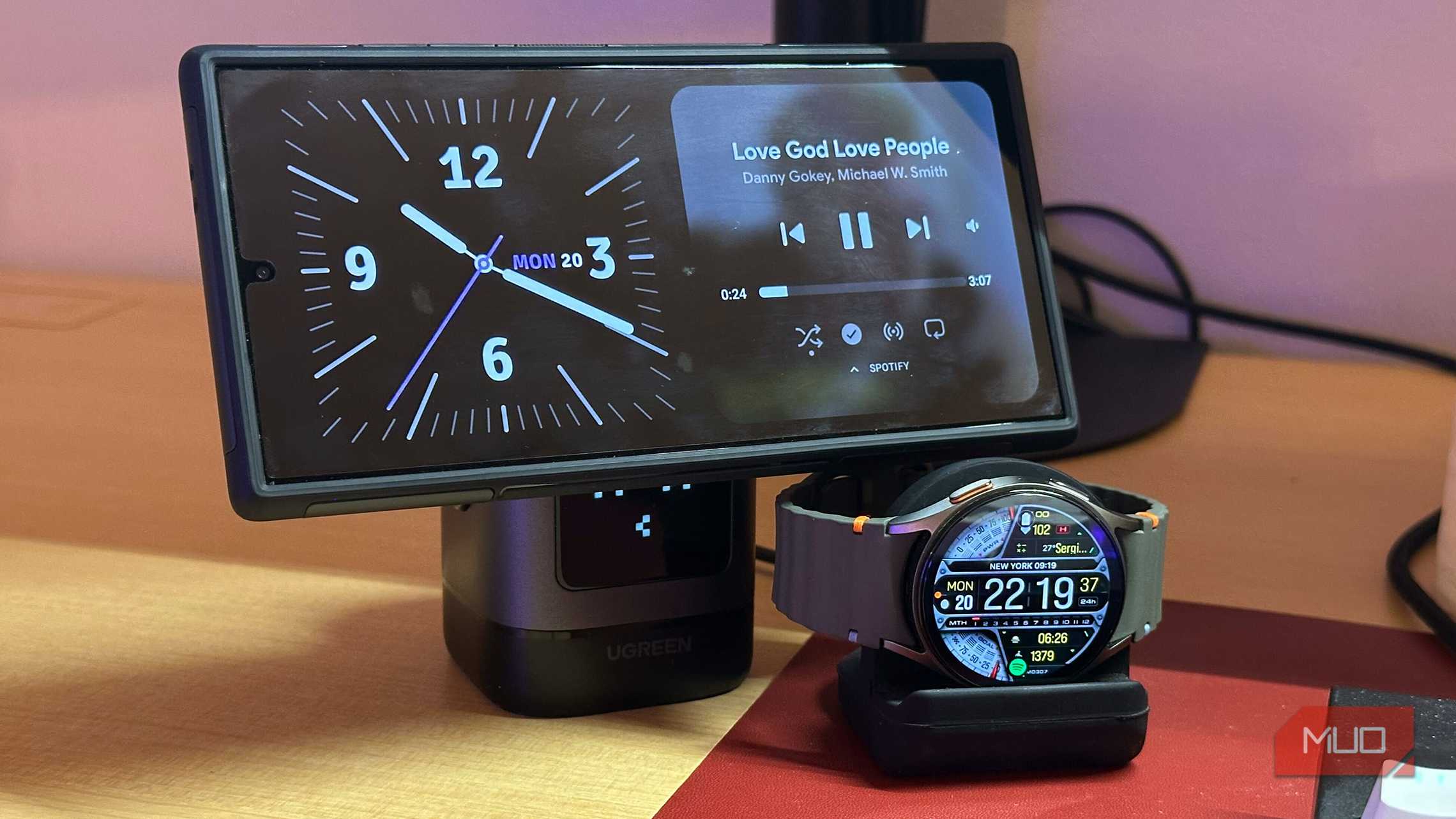
Play and skip tracks in Spotify, YouTube Music or Deezer without unlocking your phone.
Auto-start on charge
Plug in, turn it landscape, and StandBy starts on its own. Stand it upright to stop.
Burn-in protection
Leave it on all night. A subtle pixel shift every minute keeps your OLED from burning in.
Vibes radio
Set the mood with lo-fi, a crackling fireplace, or your own video on loop.
Phone and tablet
Looks right on a phone by the bed or a tablet on the wall, in landscape or portrait.
Timers, a sleep timer, quotes and more are waiting in the app.
Download freeSee what your screen becomes
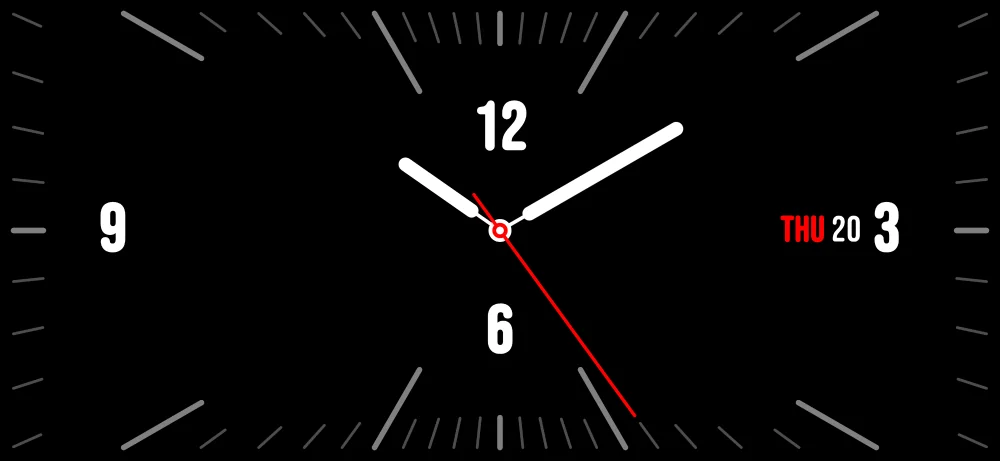
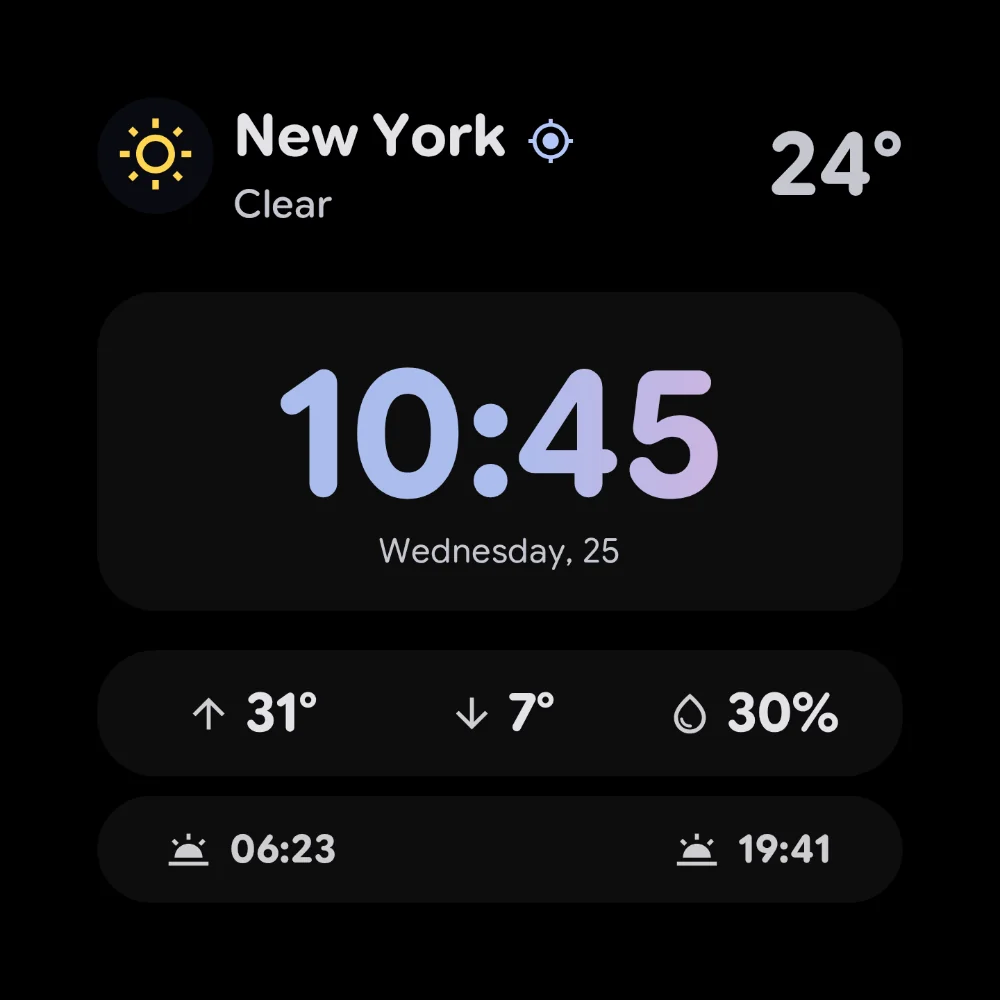
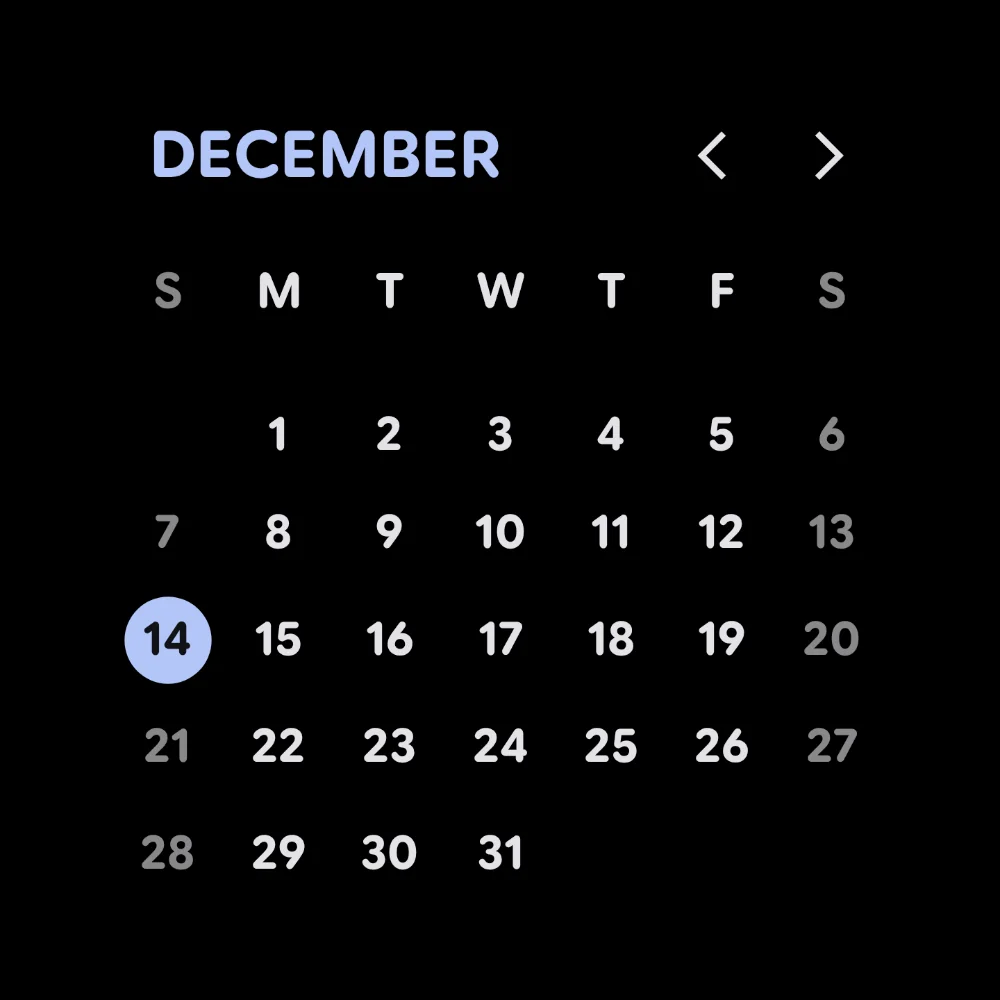
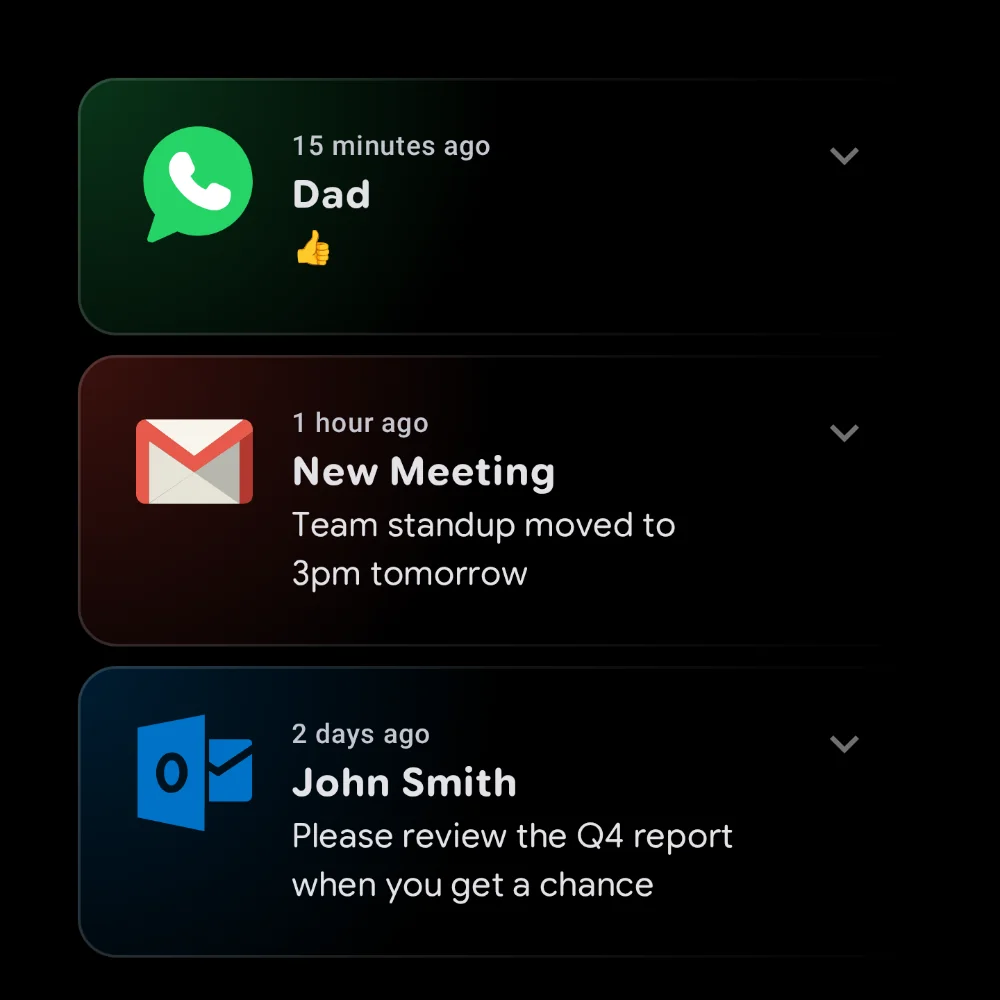
Real screens from the app: clocks, weather, your calendar, notifications and more.
What the tech press says
The tech press calls it the easiest way to get iPhone StandBy on Android, with a lot more to play with.





People are talking



What people say about it
Five-star reviews from Google Play, quoted as written.
See every feature in action
Short clips of the clocks, widgets and modes people use most.
What people build with it
Real setups from the community: 3D-printed docks, wall-mounted tablets and custom KWGT layouts.
Frequently asked questions
Yes. StandBy Mode Pro runs on Samsung Galaxy, Google Pixel, Motorola, OnePlus, Xiaomi and virtually any phone or tablet on Android 7 or newer. Android 12+ unlocks every visual effect—a few aren't available on older versions.
The core app is free to download and free to use: clock faces, photo display, media controls and burn-in protection. A one-time Premium unlock adds advanced clocks, live weather and deeper customization, and removes ads—pay once, keep it forever. That purchase helps fund the next batch of clocks and features.
Rarely an issue—StandBy Mode Pro mostly runs while your phone is charging. Any always-on screen uses some power, but Night Mode keeps consumption low.
No. StandBy Mode Pro shifts pixels in a faint checkerboard every minute, so nothing gets baked into your OLED—even if it's on all night.
No. Install it from Google Play like any other app — no root, no account, no setup hoops. Plug your phone in, turn it sideways, and you're done.
There's far more to make it yours. Instead of one fixed clock or Samsung's Daily Board layout, you get 100+ faces, any-app widgets, photos, weather and media controls, arranged how you like—on any Android phone or tablet.
Guides, tips, and what's new
Get more out of your display with step-by-step tutorials and the latest app news.
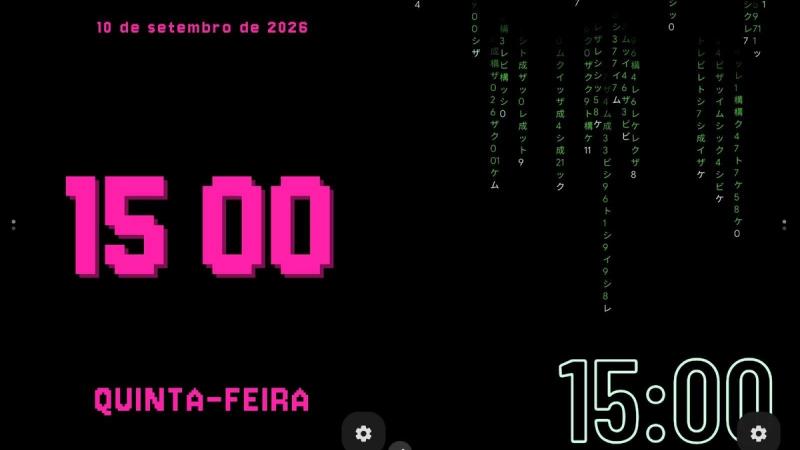
7 Animations to Personalize Your Android
We picked 7 favorite Android animations and widgets, from clocks and music to photos, battery stats, and a couple almost nobody finds.
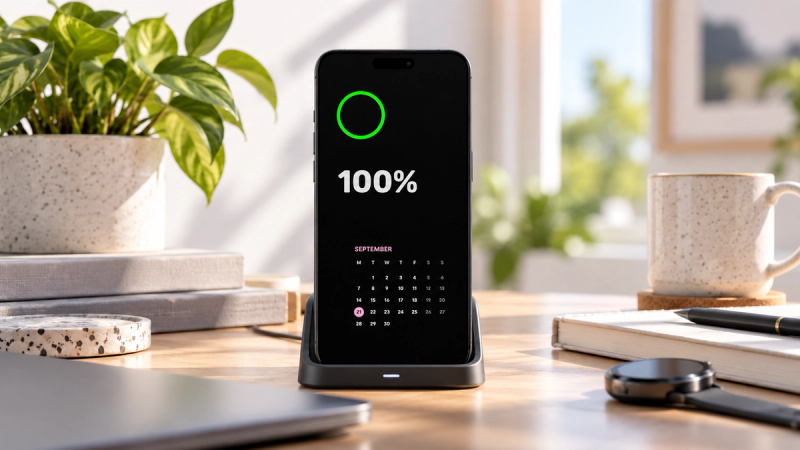
Always-On Display FAQ: Battery, Privacy, and Compatibility
Always-On Display FAQ covering battery drain, privacy risks, Android compatibility, AMOLED support, and customization options.
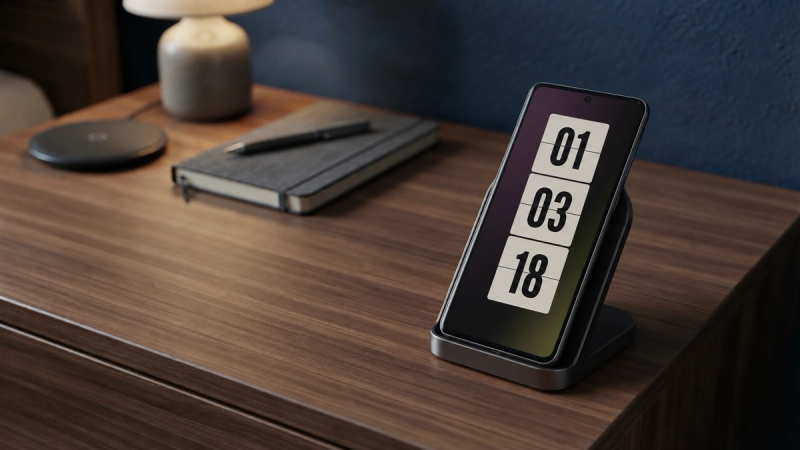
5 Always-On Display Settings You Should Change Right Away
Discover 5 Always-On Display settings to improve privacy, save battery, adjust brightness, control media, and make your Android easier to use.
Give your nightstand a better clock
Free to download. One-time unlock available. Get it on Google Play.
Get it on Google PlayInstall it on your phoneScan the code with your camera